
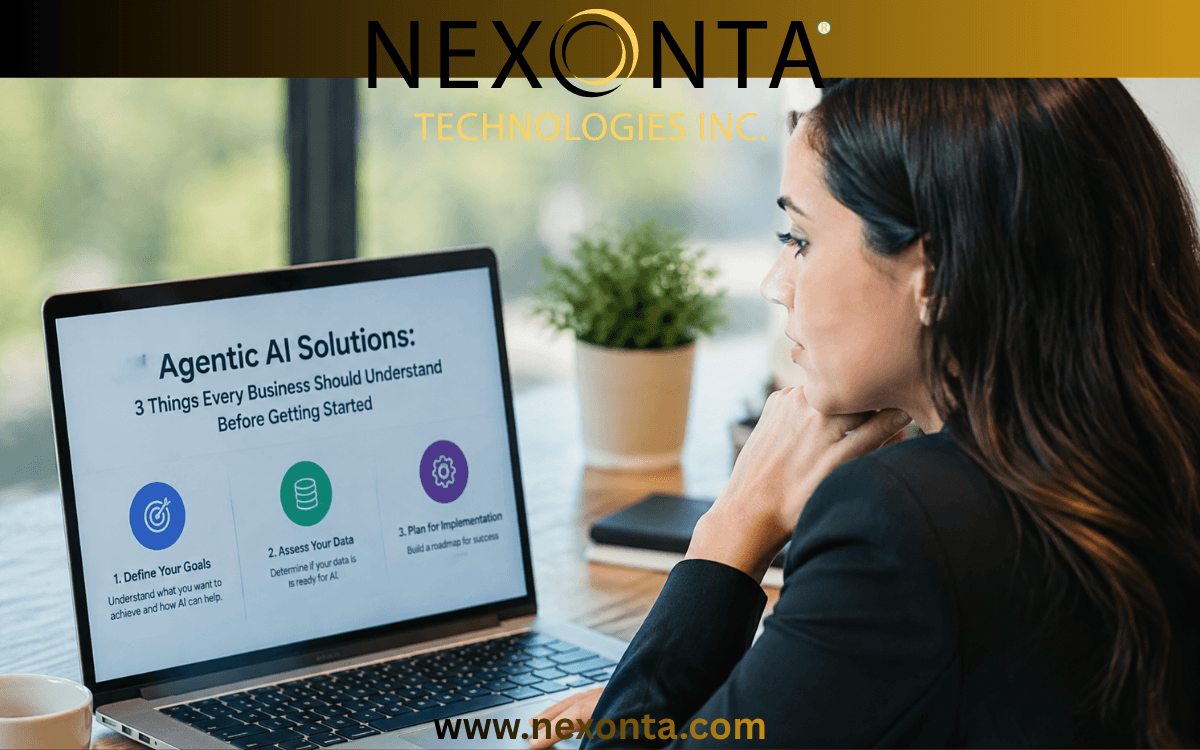
Artificial intelligence is changing how businesses operate. But choosing the right agentic AI solutions can be a challenge when new platforms, features and technologies seem to appear almost every day. At Nexonta, our team has been focusing on web design, automation and agentic AI template development. We’re seeing more businesses explore ways to reduce repetitive work, remove bottlenecks and improve efficiency. The big question is: where do you start?
With so many AI products available, it helps to understand a few basic concepts before investing in a solution. This week, we’re breaking down three important topics that can help business owners make more informed decisions.
Let’s start with the basics.
1. Where Does Your AI Solution Actually Run? Understanding Hosting Options
When businesses look at AI solutions, they often focus on what the software can do. That’s important, but there’s another question worth asking.
Where will the AI application actually run?
The hosting environment can affect performance, security, flexibility and operating costs. Here are three terms you will often hear.
Sandbox Environments
Think of a sandbox as a controlled, isolated workspace.
It is commonly used to run code or processes that should not have unrestricted access to the rest of a system. For example, an AI agent may need to execute generated code, test a script or work with files.
A sandbox creates boundaries around that activity. This helps reduce the risk of an unexpected action affecting other systems.
When is it useful?
- Running code generated by an AI system.
- Testing scripts and applications.
- Working with potentially untrusted code.
- Limiting access to sensitive systems.
One important point: a sandbox is an isolation approach. It can run on infrastructure such as containers or virtual machines. It is not necessarily a standalone hosting alternative.
Virtual Machines (VMs)
A virtual machine is essentially a computer running inside another physical computer.
It has its own operating system, storage, memory and allocated processing resources. A software layer called a hypervisor allows multiple virtual machines to run on the same physical server.
VMs are popular because they offer a good balance of flexibility, control and cost.
When are they useful?
- Hosting websites and business applications.
- Running AI applications and supporting services.
- Managing databases and integrations.
- Scaling resources as business needs change.
For many organizations, virtual machines are a practical starting point.
Bare Metal Servers
Bare metal takes a different approach.
Instead of sharing the underlying physical server with other virtual machines, the business has dedicated access to the physical machine’s resources.
This can provide greater hardware control and more predictable performance. It can also be useful for demanding workloads that need direct hardware access.
When is it useful?
- Large-scale data processing.
- High-performance computing.
- Specialized AI workloads.
- Applications with demanding hardware requirements.
However, bare metal can involve higher costs and more infrastructure management.
So, Which Hosting Option Is Best?
There isn’t one answer for every business.
A smaller company running an AI-powered customer support application may be perfectly comfortable with a managed cloud platform or virtual machine.
A larger organization handling demanding AI workloads may need more control over its infrastructure.
The important thing is to consider your security requirements, data sensitivity, performance needs and expected growth before making a decision.
2. What’s the Difference Between an AI Model and an AI Agent?
This is one of the most important distinctions to understand when exploring agentic AI.
The terms are often used interchangeably, but they describe different things.
What Is an AI Model?
An AI model is the underlying technology that processes information and generates responses.
It can understand language, analyze information, recognize patterns, summarize documents and help solve problems.
Think of the model as the engine.
On its own, a model can provide impressive answers. However, that doesn’t automatically mean it can complete an entire business process.
For example, an AI model can help write a customer follow-up email. But writing the email is different from managing the complete follow-up process.
What Is an AI Agent?
An AI agent uses an AI model as part of a larger system.
It is given a goal, instructions and access to selected tools. It can then work through multiple steps to accomplish a task.
Depending on its setup and permissions, an agent can:
- Retrieve information from business systems.
- Analyze incoming requests.
- Decide which available tools to use.
- Complete approved actions.
- Check results and determine the next step.
Let’s use a simple business example.
Imagine a company receives a new sales lead through its website.
A basic AI model might help summarize the inquiry or draft a response.
An AI agent could take the process further. It might review the inquiry, look up the customer’s information in the CRM, classify the lead, prepare a personalized response and create a follow-up task.
Some actions may happen automatically. Others may require approval from a team member.
Here’s the simple difference:
An AI model provides the intelligence. An AI agent uses that intelligence, along with tools and instructions, to complete a process.
That’s where the real opportunity for business automation begins.
3. What’s the Difference Between an AI Tool and MCP?
This is another area where the terminology can get confusing.
As AI systems become more connected, you’ll hear more about tools, integrations, APIs and something called MCP.
Let’s break it down.
What Is an AI Tool?
An AI tool is a specific function or action that an AI agent can use.
Think of it as giving an agent the ability to do something rather than simply provide an answer.
For example, an agent might have access to tools that allow it to:
- Search a database.
- Look up a customer record.
- Create a CRM contact.
- Retrieve information from a website.
- Send a notification.
Each tool provides a particular capability.
Without tools, an agent may be limited to generating information. With the right tools, it can interact with other business systems.
What Is MCP (Model Context Protocol)?
MCP stands for Model Context Protocol.
It is an open standard introduced by Anthropic that provides a consistent way for AI applications to connect with external systems, information and tools.
Here’s an easy way to think about it.
Imagine buying a new computer. You don’t want to build a completely different connection every time you need to plug in a device.
You want a standard connection that allows compatible devices to communicate.
MCP aims to do something similar for AI applications.
An MCP server can make multiple capabilities available to an AI application through a common connection. These can include tools, information sources and reusable prompts.
For example, an MCP server connected to a company’s CRM might make it possible for a compatible AI application to search customer records, retrieve account information or access approved CRM actions.
Instead of developing every connection from scratch, developers can use a standardized approach.
However, there is an important distinction.
MCP is not itself a bundle of AI tools. It is the protocol that allows compatible applications and servers to communicate. The server provides the capabilities, and the AI application must support the connection.
Tool vs. MCP: The Simple Comparison
A tool is an individual action an AI agent can perform.
MCP is a standardized connection method that can make multiple tools and other resources available to an AI application.
Both are important when building connected AI workflows.
4. Before Choosing an Agentic AI Solution, Start With Your Business Needs
Understanding the technology is useful. But the most important decision isn’t which AI platform has the longest feature list.
It’s identifying where your business actually needs help.
Before choosing a solution, consider these questions:
1. What process is taking too much time?
Look at repetitive administrative tasks, customer inquiries, data entry, lead management and internal workflows.
2. What systems need to communicate?
Your website, CRM, email platform, databases and internal applications may all need to work together.
3. What information should the AI be allowed to access?
Consider privacy, security, permissions and whether human approval is required before certain actions.
4. How will you measure success?
Look at time saved, fewer manual steps, faster response times and reduced operating costs.
The answers will help you decide whether you need a simple AI integration, a traditional automation workflow or a more advanced agentic AI solution.
And remember, not every business problem needs an AI agent. Sometimes a well-designed website, a straightforward integration or a simple automation is the better solution.
The goal is to solve the problem, not add technology for the sake of it.
Final Thoughts: Build Smarter, Not Just Bigger
AI is creating exciting opportunities for businesses of all sizes.
But with so many platforms, models, tools and integrations available, it’s easy to get caught up in the technology.
Start with your business processes. Identify the bottlenecks. Look at the systems you already use. Then decide where AI can make a meaningful difference.
At Elevex, we’re continuing to explore web design, agentic AI templates and connected business solutions that help organizations work smarter.
The future isn’t simply about having more AI tools. It’s about getting the right systems to work together.
Ready to Explore What Agentic AI Could Do for Your Business?
You don’t need to automate everything at once.
Start with one process that takes too much time or creates unnecessary work for your team.
The right solution could be simpler than you think.
Connect with the Nexonta team to discuss your business workflows, website needs and opportunities for agentic AI automation. Let’s find a practical starting point for your business.