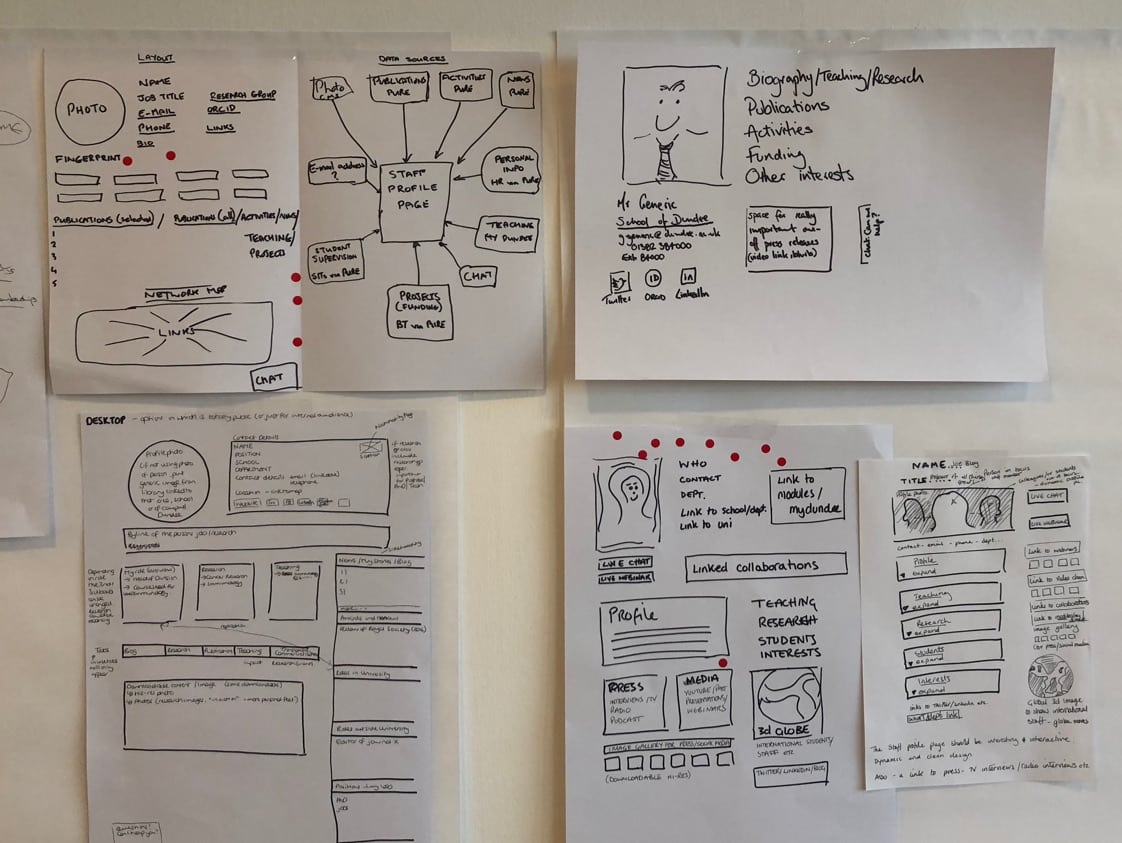
Step 8: Storyboard
Okay, so you’ve written your script, you’re done now, right? Not exactly. It’s now time to work with an artist, illustrator, or designer to create visuals that go with your script. The idea is to work with a visual artist to help bring your script and ideas to life, making sure whatever you’re about to shoot is going to look good (and make sense) on film. The type of artist you work with will depend on the medium you’re shooting within— for example, if you’re creating an animated video, you’ll probably want to work with an illustrator/animator (preferably the one who will create your final video) to put together the storyboard.
A storyboard is not only important for you and your team, but it’s also super important for the artists, actors, and directors, so they can get a good sense of the visuals they’re supposed to recreate. No one is saying the storyboard has to perfectly match what happens in the scene, but it should act as a guide.
As you can see, each of the images corresponds to some kind of description or dialogue directly from the script. You should be able to hold both the script and storyboard side-by-side to make sure they match up and nothing is missing or seems off. Alright — you’ve got your script and your storyboard done. Before you can shoot, edit, and/or produce your video, there’s a few last details you may want to think about beforehand.
Final details
Now, I’m no producer, so it would be best to consult an actual production expert regarding your list of final details, but here are some things you may want to think about before shooting/producing your video:
Production
• Hiring a producer and/or production company: if you plan to work with actors, a director, etc, it may be best to hire a producer and/or production company to help. Not saying you can’t do it on your own, but sometimes it’s helpful to have experts on your side• Casting: if you’re using actors, you’ll need to cast the appropriate folks. This can get pretty crazy, especially if you’re looking for a specific type of “look” and acting style (for example: “African-American man who is both a gregarious actor AND singer”). Make sure to list out all the details of the actors you’re looking for to make it easier on yourself, the production team, and the actors themselves.
• Locations: if you’re shooting outside, in a house, etc, you’re going to need to secure locations, which often requires a permit. Again, this is something a producer/production company can help with. Of course, there are scrappy ways of doing this (i.e. — shooting in your own home, etc) but then you’re looking at other costs like lighting equipment, backdrops, etc.
Post-production
• Post-production editor: having a skilled post-production editor is super important. This person is basically responsible for bringing the final idea to life (regardless of what was cut by the film crew). This person will be adding in the Voice Over (which requires precision in terms of timing) and may also be working on the color and final look. It’s a big job.
• Voice Over talent: this is very similar to casting, especially if you’re looking for a specific-sounding voice. You may think someone “looks the part” in terms of voice, but once you get them into an audio booth reading your script, it may not turn out the way you thought. Again, this is where a producer and/or production company can come in handy.
• Music / audio: you may be thinking “oh I have the perfect song in mind for this video!” But the reality is, music costs money (and good music costs a lot of money). It’s not that you can’t get a great sound for your video, but you also have to be realistic in what that sound will be (meaning, if you want “Single Ladies,” as you background song, it’s probably not going to happen). Sorry to sound redundant, but a producer and/or production company can help with this.
• Text overlays: this is something your post-production editor will do, but you want to make sure that if you need some type of text to appear on screen (i.e. “Buy now!”) you’ll need to account for that when shooting. For example, if you need text to appear in a specific shot, you need to make sure that scene has enough negative space for you to add that text in without looking too crowded or weird. It may sound like a minute detail, but if this one shot is why you’re doing the video in the first place, it’s important to map out these details ahead of time.
And…action!
We hope you enjoyed this Blog Series on Video Production. Our next blog series will focus on all the different e-commerce platforms. Be sure to check back for this.
Sources:
https://medium.com/swlh/how-to-create-a-promotional-video-707fa7a63019
https://learn.anniemaguire.com/copy-that-converts
